
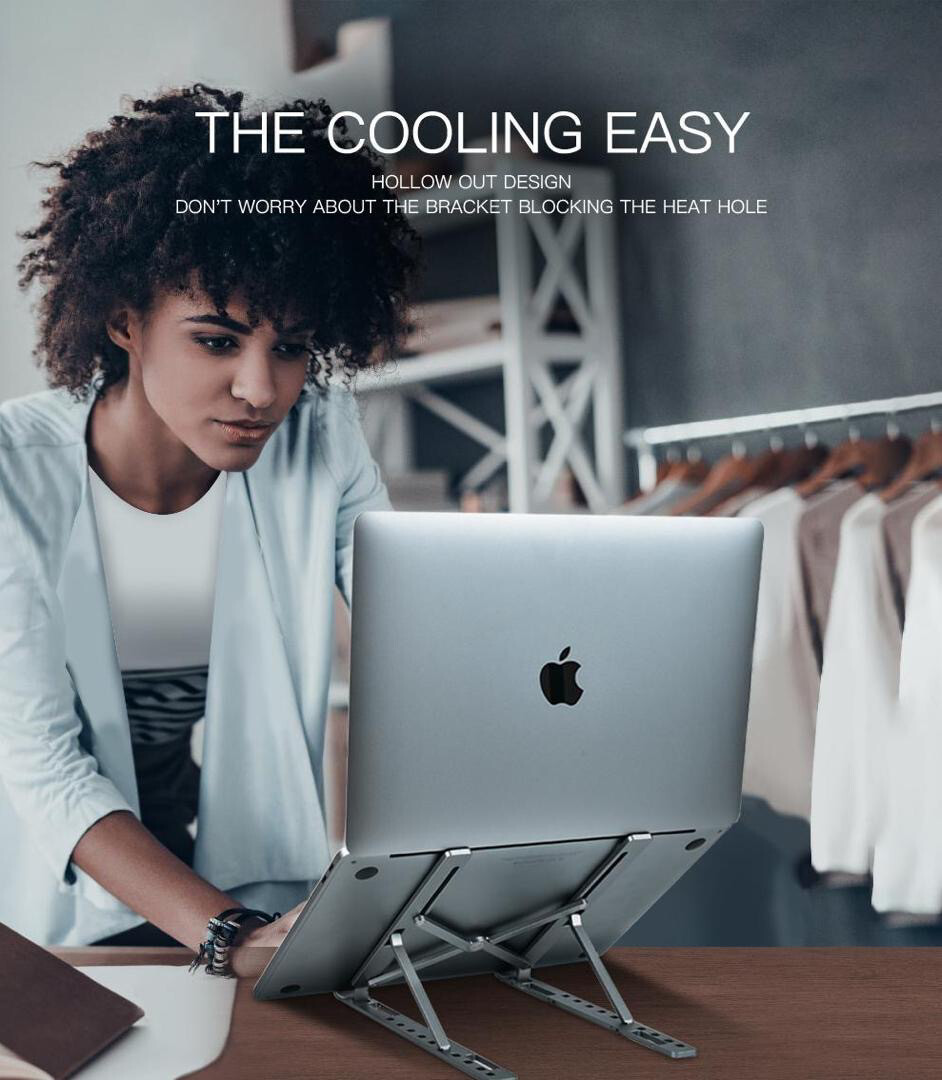
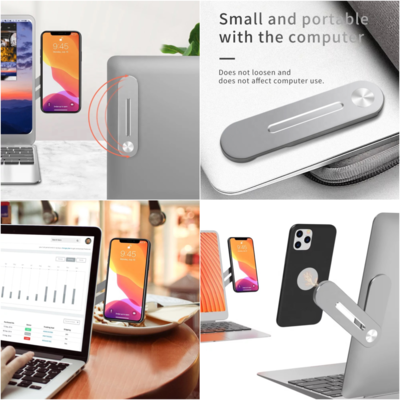



• Brings the laptop screen to eye level
• Prevents overheating and improves laptop performance
• Multi-support design for tablets and books
• Silicone Anti-Skid
• Foldable and portable design allows user to collapse and take with them anywhere they choose.
• Made with anti-oxidized aluminum alloy brackets, lightweight
• 6 gear adjustment
• Mini and Foldable
Suitable for: 16inch laptop and below
- Package content:
Notes:
1. Manual measuring, please allow 1 ~ 3mm error, thank you.
2. Due to the difference between different monitors, the picture may not reflect the actual color of the item. We guarantee the style is the same as shown in the picture. Colors available are black and silver
••••••••••••••••••••••••••••••••••••••••••••••••••••••••••••
A Proper Ergonomic Sitting Position.
It’s not a secret that in 2020, most of us care about mobile technology than we have ever done before. Laptops are the most popular and most usable portable computers there are.
Laptops were designed to be portable computers used for light computing like checking and replying to emails, finishing up little work or consuming some media on the go. But used for long hours, laptops present a serious health risk to your back and neck. This is because when you’re using your laptop, you are almost never sitting in an ergonomic position.
Ergonomics is the process of designing or arranging workplaces, products and systems so that they fit the people who use them.
So it means an ergonomic sitting position is a proper sitting position when using your computer at home or at your work place. It’s important especially if you work on your computer for long hours.
The best ergonomic sitting position when using a laptop should be upright, with your back and neck straight, your elbows should be at the same level as your desk or very slightly higher without being lifted. UCLA Ergonomics says you want the top of the screen to be a few inches above your eye level when you are seated.
This is quite achievable with a desktop computer because the keyboard is already sitting on your desk while most monitors can be adjusted to the correct height. In fact, the fact that the keyboard and the screen are separate from each other makes everything easier.
With a laptop, it’s impossible to be in an Ergonomic position using it. Mostly because the keyboard and the screen are together. Most of the time you’ll be either bending your neck or hunching forward. This might be okay for light usage but if your laptop is your daily work station, sooner or later, you’ll start to have back pains and neck pains.
To avoid that morphine, you could make your laptop set up more ergonomic with a laptop stand.
Hotlines +2348087342747, +2349010030191, +2348156253752, +2349086117375 Free device consultation, tell us what you do, we tell you the device for you, we dey for you